
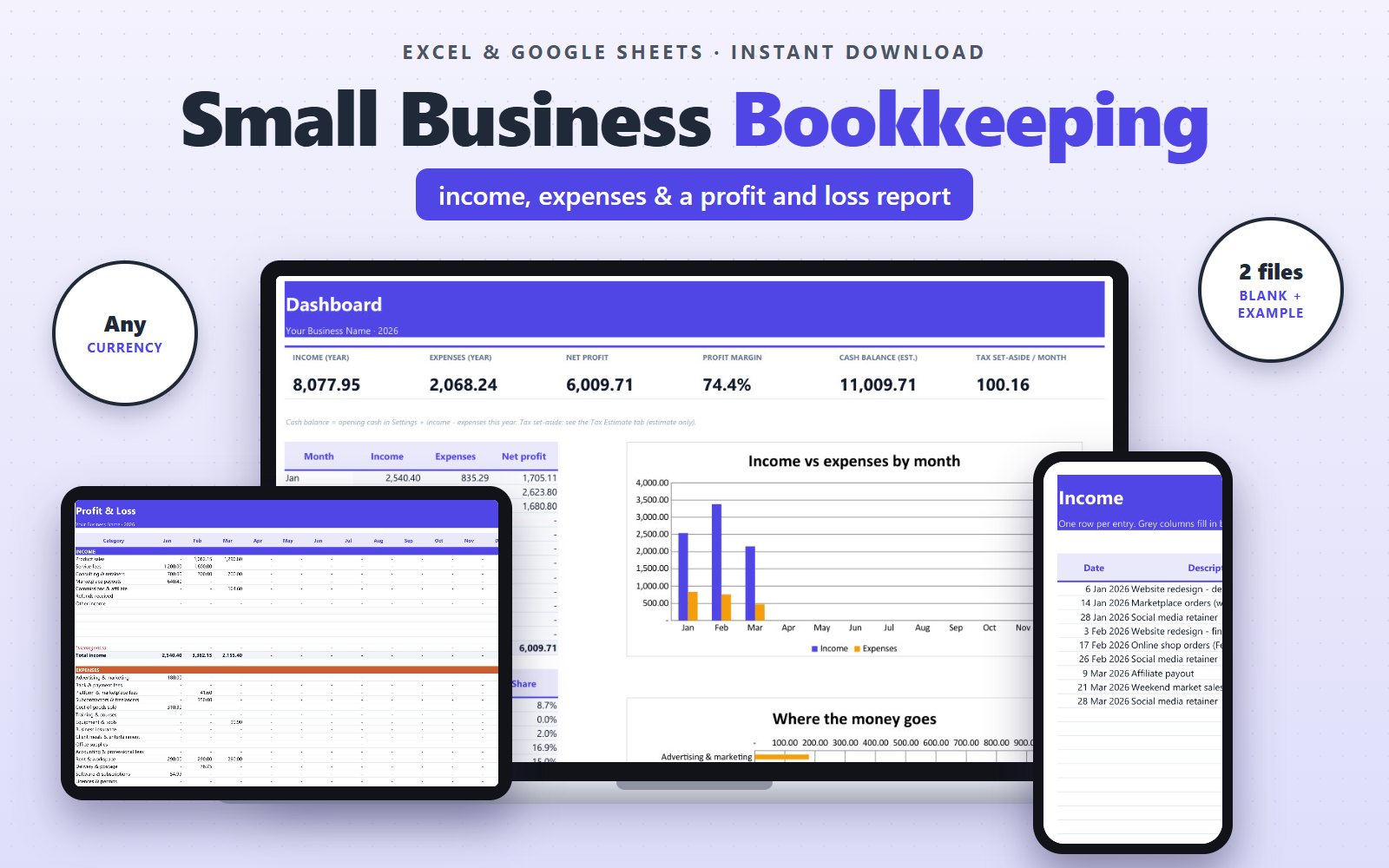
What it does
- Income and expense logs with category dropdowns (1,000 rows each) and editable payment methods (bank transfer, card, PayPal, cash, mobile wallet...)
- Monthly Profit & Loss for all 12 months, filled in automatically
- Tax Estimate: taxable profit, income tax as a flat % or with your own tax brackets, and how much to set aside each month
- Social security / pension contributions % for the self-employed (you type your rate)
- Sales tax / VAT / GST switch (off by default, name and rate editable) that takes the tax out of your figures
- Your own list of tax deadlines with days left
- Dashboard: income, expenses, net profit, margin, cash balance, monthly tax set-aside, and charts
- Your own categories: 12 income and 30 expense slots, plus payment methods
- Estimate only, not tax advice: no country rules built in, example rates are clearly marked
Who it's for
Sole traders, freelancers, online sellers, and side businesses in any country that want clear numbers without paying for accounting software.
What's inside
Two .xlsx files (a blank copy and a filled-in example copy) with these tabs:
- Start Here
- Dashboard
- Settings
- Income
- Expenses
- Profit & Loss
- Tax Estimate
Works with
Microsoft Excel 2010 or newer (Windows & Mac) and Google Sheets. No macros.
Licence
For your own personal or business use. Please don't resell or share the file.
Questions
Do I need Microsoft Excel?
No. The file also works in Google Sheets, which is free: upload it to Google Drive and open it with Google Sheets. In Excel it works in Excel 2010 or newer on Windows and Mac.
How do I get the file?
Right after payment you land on your download page. Your personal download link works for 30 days. If you close the page by accident, open My downloads: enter your PayPal email and the order number (Invoice ID) from your PayPal receipt to get your files again.
Which currency does it use?
Any. Amounts are plain numbers, so type them in dollars, pounds, euros, ringgit, pesos, or your own currency. Tax and fee settings are editable for your country.
Can I use it on my phone?
You can view and edit it in the Google Sheets or Excel app, but it is easiest to set up on a computer.
How do I pay?
Checkout is handled by PayPal. You can pay with your PayPal balance or a debit/credit card. We never see your card details.
How do I contact you?
Message us on WhatsApp at +62 851-2802-8406. We usually reply within one business day. Please include your order number (it starts with BDT- and appears as Invoice ID on your PayPal receipt).
What if the file does not work for me?
Message us on WhatsApp (+62 851-2802-8406) within 14 days of your purchase. We will help you get it working, and if we can't, we will refund you.
You might also like
All templates →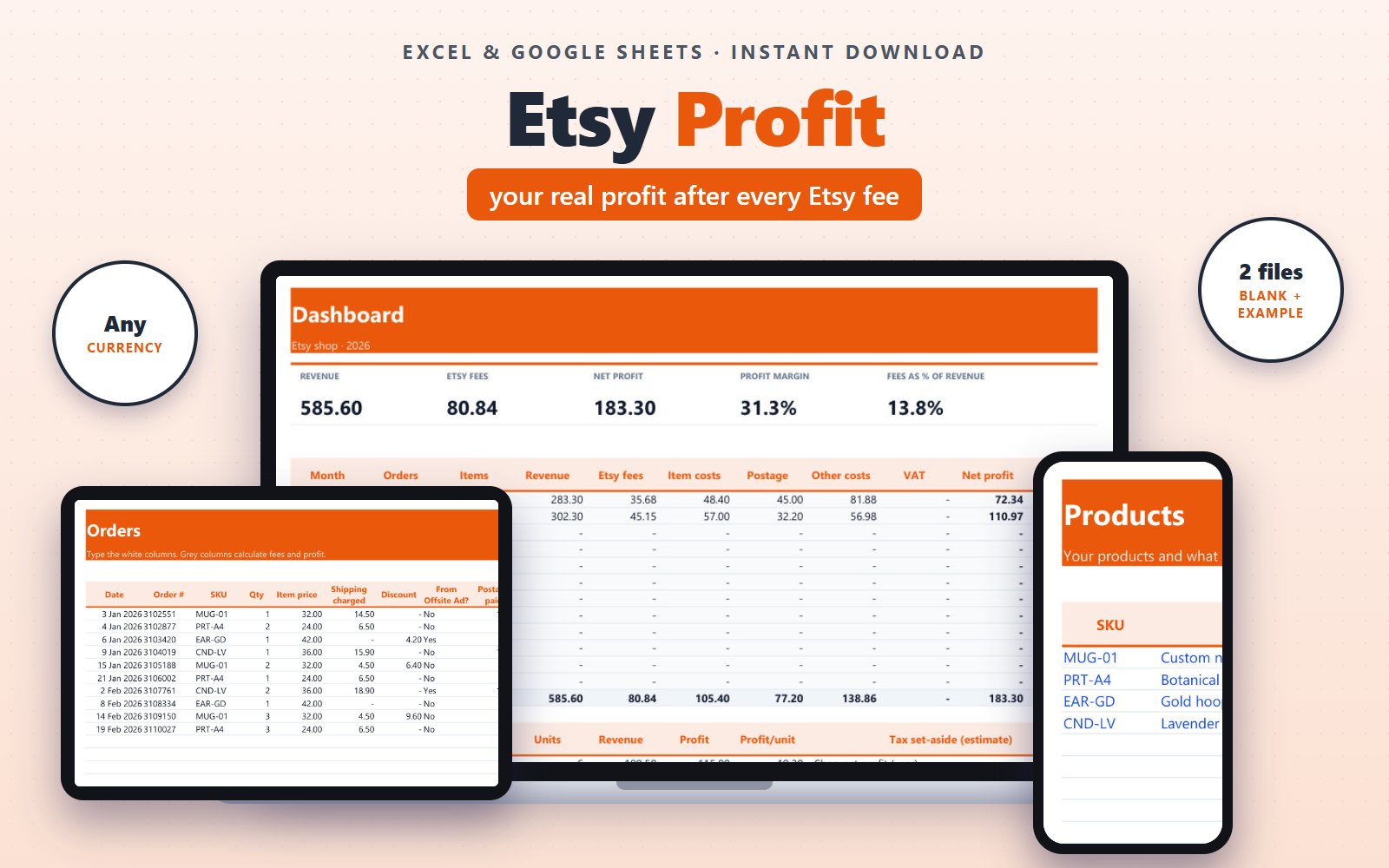
Etsy Seller Profit Tracker
Etsy fees on every order, profit per product, a monthly dashboard, and a tax set-aside you can tune to your country.
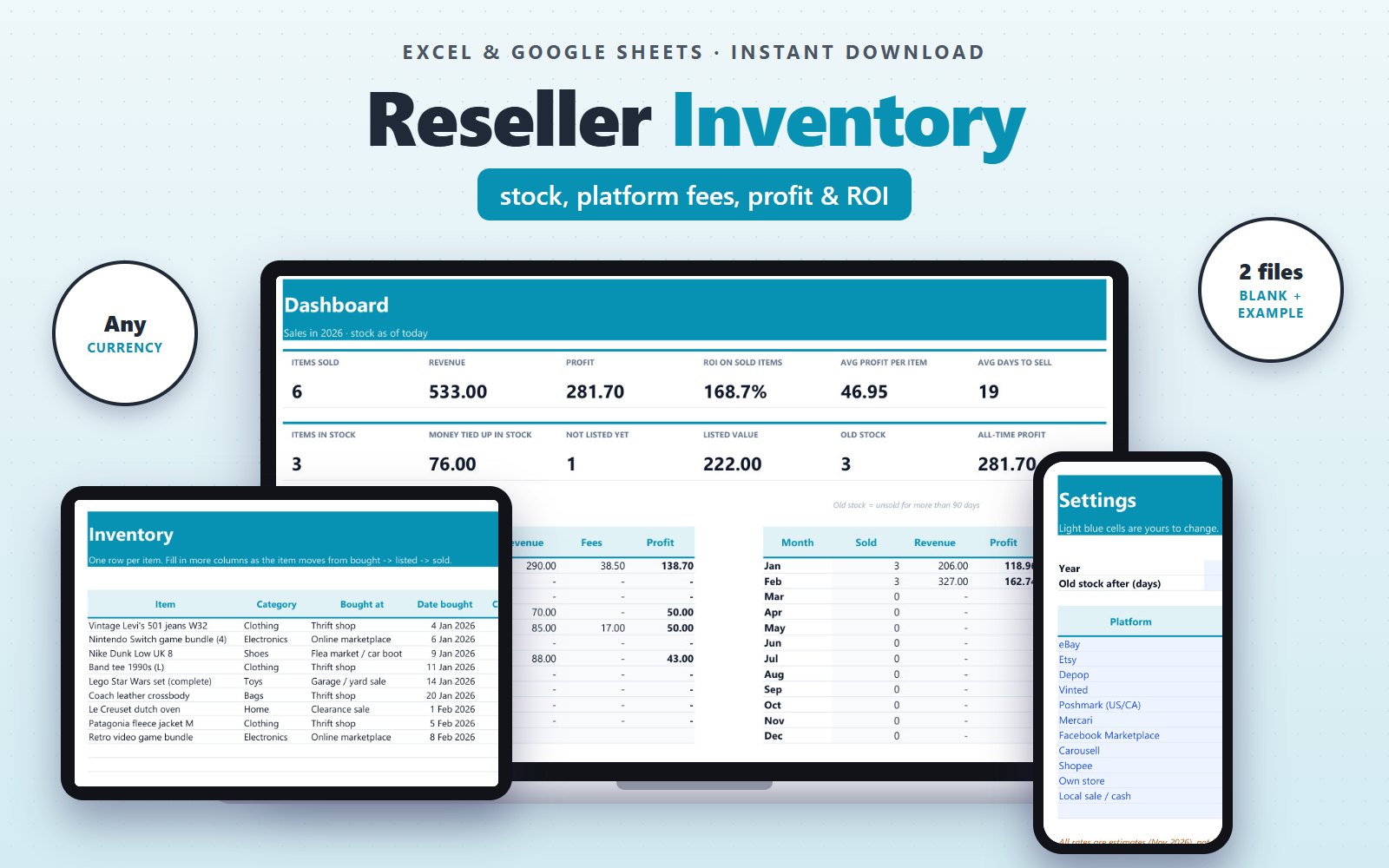
Reseller Inventory & Profit Tracker
Real profit per item after fees and shipping, money tied up in stock, ROI, and days to sell.
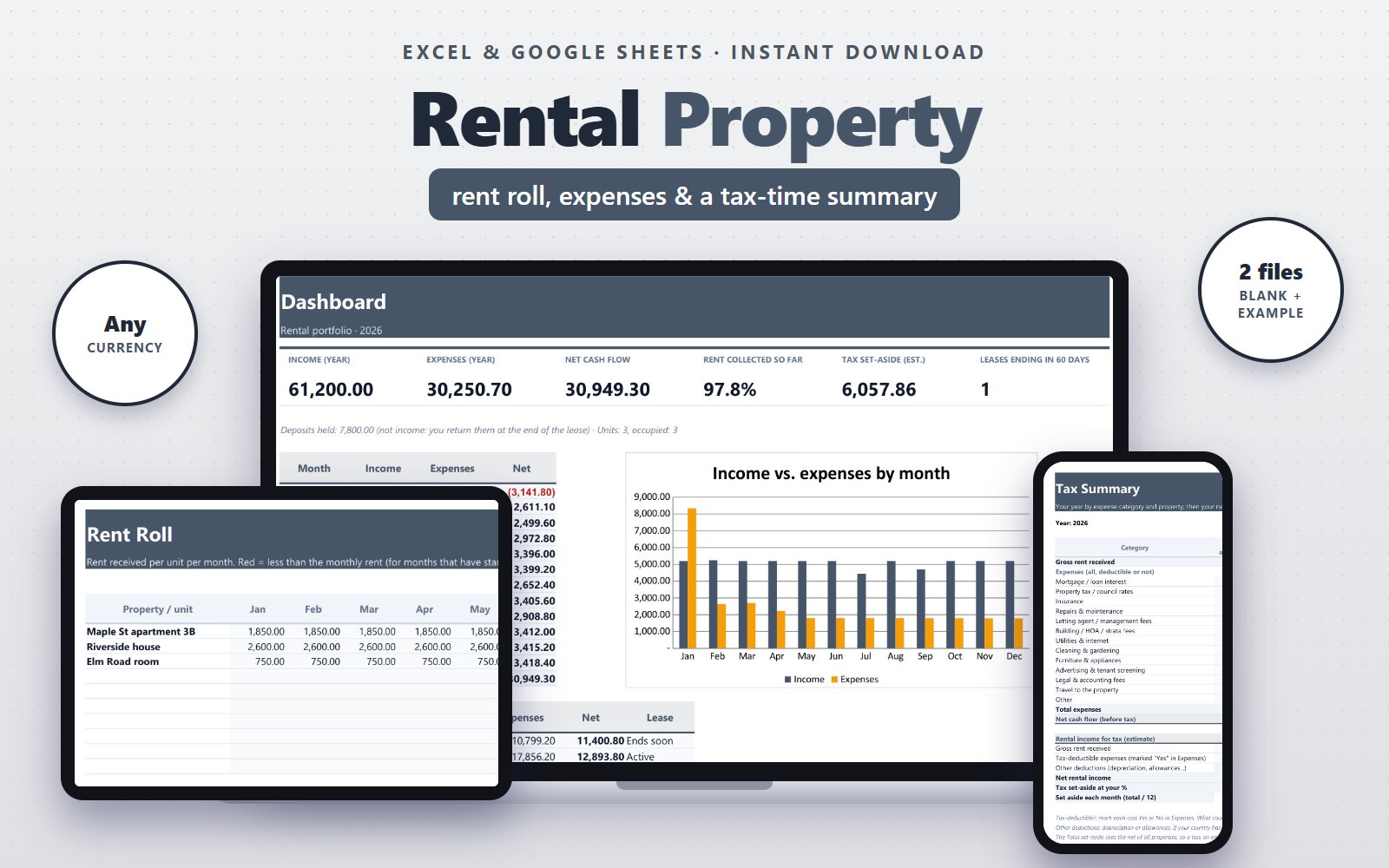
Rental Property Tracker for Landlords
Rent roll, expense log with tax-deductible flags, lease alerts, net rental income per property, and a tax set-aside estimate.
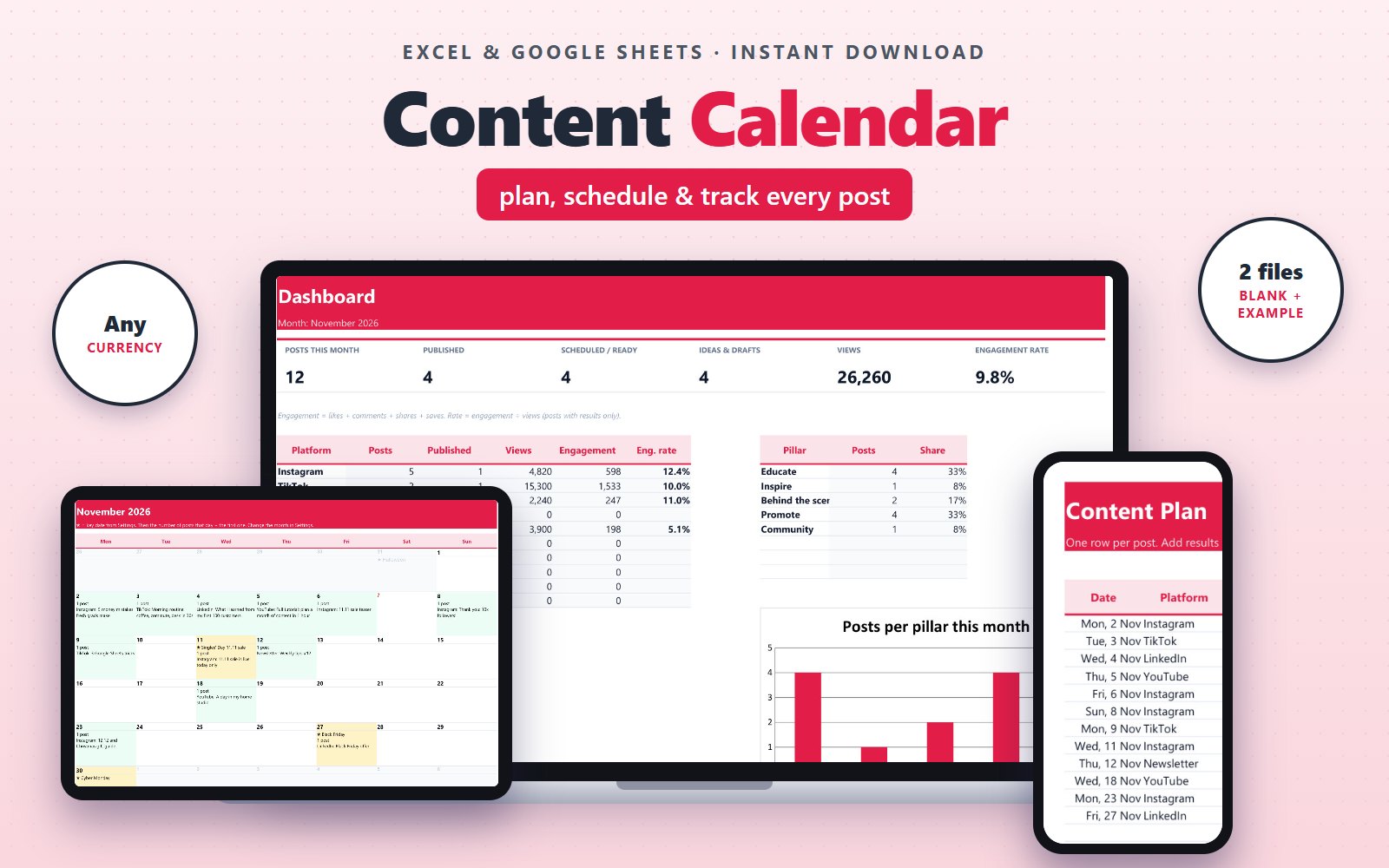
Social Media Content Calendar
Content plan with status, a monthly calendar view, pillar balance, and engagement rate per platform.